


How do you play Suzy Says?
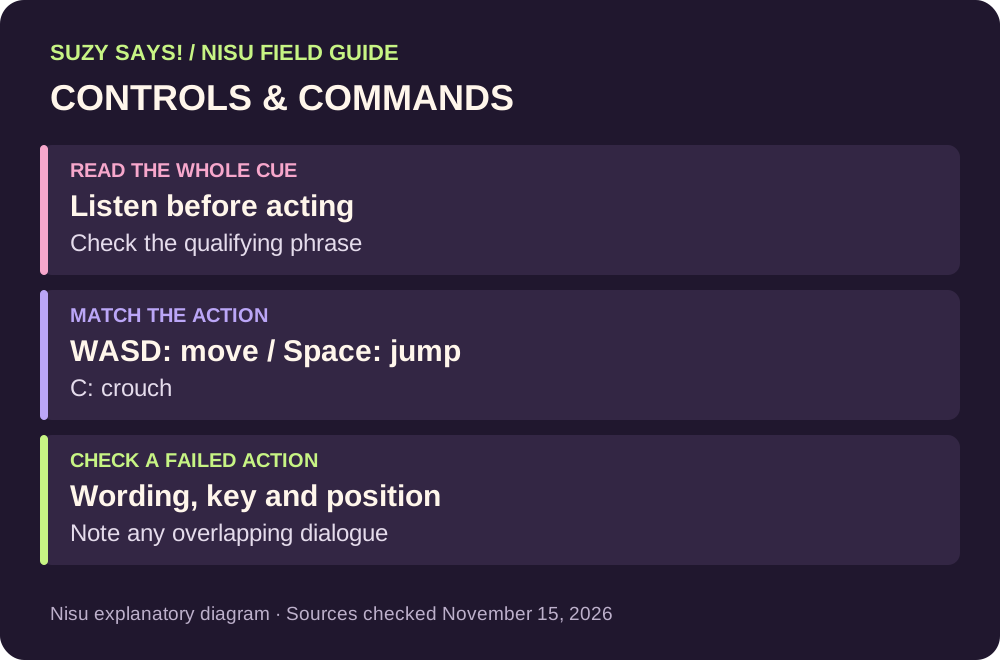
To play Suzy Says!, use WASD to move, Space to jump and C to crouch in MOONBIT’s Windows horror game. The interactive DVD and floor mat build on Simon Says: listening to the instruction is part of the challenge, rather than simply doing every action that Suzy mentions.
This guide covers the documented keys and a practical way to read commands without revealing story outcomes. It does not supply an exact timing window, a complete command list or a tested no-strike route. If you have not downloaded the game, start with the official-file guide.
Suzy Says keyboard controls
MOONBIT explicitly documents three controls on the game page. Learn these before the DVD sequence becomes more demanding. The labels below describe the developer’s bindings, not a custom controller layout.
Use the current on-screen prompt for any interaction that is not listed here. The source checked for this guide does not establish a universal interact key, a complete gamepad mapping or a supported key-rebinding menu. Avoid substituting an invented key when a video appears to use a different action.
| Input | Documented action | What to check |
|---|---|---|
| WASD | Move | Movement changes your position on the floor mat. |
| Space | Jump | Use the documented jump key when the instruction calls for it. |
| C | Crouch | C is the documented crouch key; do not assume Ctrl. |
How to read the commands without rushing
The Simon Says distinction is whether an instruction is prefaced by the qualifying phrase. In Suzy Says!, pay attention to the complete spoken and written cue, including whether “Suzy says” is present. A familiar action word by itself is not enough to decide that you should move.
For each instruction, separate three questions: what phrase introduces it, what action is requested, and which control or location the game identifies. This is especially useful when movement on the mat and a physical action such as jumping could be confused. Do not automatically press a key just because you recognize the action word.
On the developer’s comment page, one player advised waiting for Suzy to finish speaking after losing on a look-behind instruction. Treat that as a player’s timing observation, not an official rule to wait a fixed number of seconds. Other players report overlapping dialogue, so the spoken cue may not always be clean.
Subtitles can help you read the wording when the voice is difficult to follow. The developer lists ten subtitle languages. A readable cue is useful evidence; it does not prove that every reported timing or input problem is caused by the player.
What to check when a correct action gets a strike
First, check the full instruction rather than repeating only the action you remember. Confirm the qualifying phrase, the requested action and your position. Then check the documented key: C is crouch, while Space is jump. This gives you a concrete distinction between a misunderstood command and a possible input problem.
Next, note whether the voice lines overlapped or whether the game appeared to count movement while you were still. Players on the official comment page have reported both overlapping instructions and actions registering unexpectedly. These are reports, not bugs reproduced by Nisu.
If you report a problem to the developer, include the edition or ZIP name, the command as it appeared, the key you pressed, what the game counted and whether speech overlapped. A short recording, if you can make one, is more useful than “the controls do not work.” Avoid including receipts or other private account details in a public comment.
The launch patch mentions a late-game subtitle correction. It does not establish that command detection has been fixed. Re-downloading is not a verified cure for these reports, and deleting saves is not an appropriate first troubleshooting step.
| Observed problem | Useful next check | What remains unverified |
|---|---|---|
| Unexpected strike | Full wording, action, mat position and key pressed | Whether this particular failure is an input bug |
| Voice lines overlap | Record the cue and the moment the overlap starts | A universal workaround or fixed delay |
| Crouch does not behave as expected | Confirm C rather than a binding from another game | Custom rebinding or controller equivalence |
| Progress differs from a walkthrough | Compare edition and the current scene | That every video uses the same build or route |
Use a walkthrough without jumping straight to an ending
PhoneInk’s gameplay video supplies useful chapter labels for early sections. The creator marks “Meeting Suzy” at 02:15, “Learning the Rules” at 02:51 and “The Real Game Begins” at 03:32. These are chapter times from the video description, not timings for your own playthrough.
The embedded video also contains later scenes and endings. If you want a spoiler-light reference, start at the early chapters and stop before progressing beyond your current scene. The chapter index helps you locate a segment; it does not establish a guaranteed sequence of inputs.
Third-party walkthrough with ending spoilers. Early creator chapters: 02:15 Meeting Suzy; 02:51 Learning the Rules; 03:32 The Real Game Begins.
Continue with the right guide
If your problem is finding a file, checking a price or choosing an edition, use the download guide. Those decisions are separate from reading commands correctly.
If you have reached the story’s later scenes and want secret-ending information, open the endings guide. It includes a spoiler-marked chapter table and separates the developer’s hints from unverified route details.
Quick help
What is the crouch key in Suzy Says?

MOONBIT lists C as the crouch key. The other documented controls are WASD for movement and Space for jumping.
Should I follow every command Suzy gives?
Do not rely on the action word alone. The game uses a Simon Says-style premise, so read the complete cue and pay attention to the qualifying “Suzy says” phrase before acting.
Is there a guaranteed fix for commands not registering?
No universal fix was verified for this guide. Check the complete cue, key and position, then document any overlapping speech or unexpected input for the developer. Player reports alone do not establish a fix.
Does this guide include ending spoilers?
The written controls and input checks avoid story outcomes. The embedded PhoneInk video includes endings, so stop at the early chapters if you want to avoid them.
Source and scope
Nisu checked the developer’s listing, relevant developer/player comments and video metadata on November 15, 2026. This is a source-based guide, not a firsthand playtest. Player reports and creator chapter labels are identified where used.